Article content

Jan Wiśniewski
8 min read
Web scraping is one of the most efficient ways to collect and use web data at scale, but the concept can feel unclear at first. In this article, we’ll answer the “What is web scraping?” question, explain how it works, analyze most common web scraping use cases, and the tools like residential proxies involved.
Web Scraping Definition: What Does It Actually Mean?
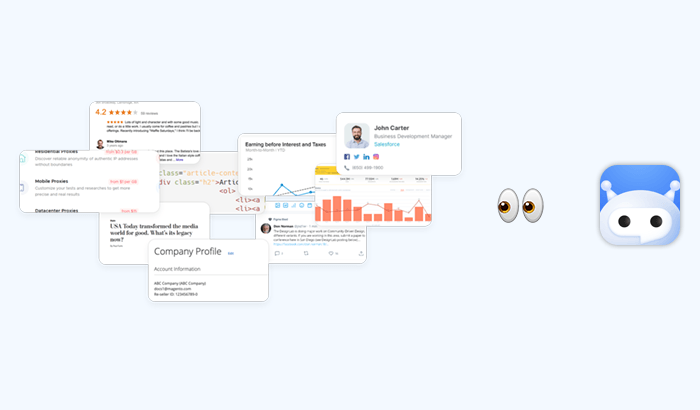
Web scraping is the automated process of collecting publicly available data from websites and turning it into a structured format that can be analyzed, stored, or reused. Instead of manually copying information from a page, a script or tool retrieves the content, extracts the relevant elements, and organizes them into usable datasets.
How web scraping works (step by step)
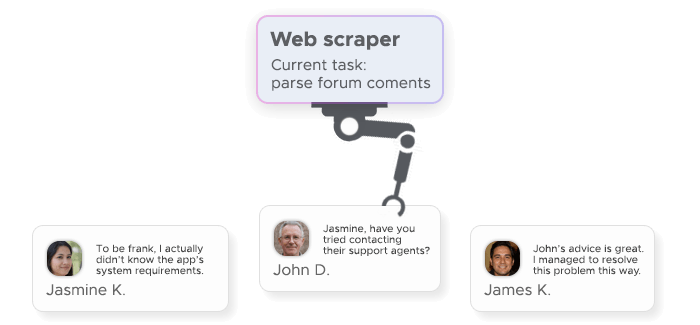
Although implementations can vary, the underlying logic behind web scraping tends to follow a predictable sequence:
- A request is sent to the target URL
- The server returns the raw HTML of the page
- The scraper parses the HTML to identify relevant elements
- The required data is extracted from those elements
- The data is cleaned and stored for further use
This cycle can run once for a simple task or continuously for ongoing data collection, depending on the use case.
Web scraping vs. web crawling: what’s the difference?
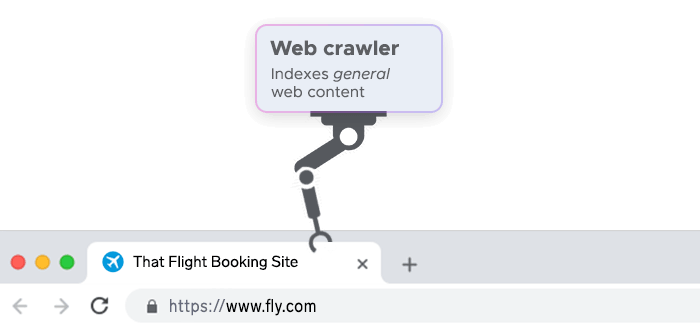
Web scraping is often mentioned alongside web crawling, but the two serve different purposes. Web crawler is concerned with discovering and navigating pages across the internet. A crawler moves from link to link, mapping out content and building an index of available pages.
Web scraping definition, on the other hand, has to do with extracting specific data from those pages. It doesn’t necessarily care about finding new URLs – its goal is to retrieve targeted information from known sources.
In many real-world scenarios, the two approaches complement each other. A crawler may first identify relevant pages, and a scraper then extracts the data from them. Still, it’s useful to keep the distinction in mind: crawling is about exploration, while scraping is about data extraction.
What Is Web Scraping Used For? Top Use Cases
In practice, web scraping is less about the technology itself and more about what it enables: continuous access to up-to-date, structured web data that would otherwise be difficult to collect at scale. Its applications span multiple industries, but a few web scraping use cases consistently stand out:
Price monitoring and e-commerce intelligence
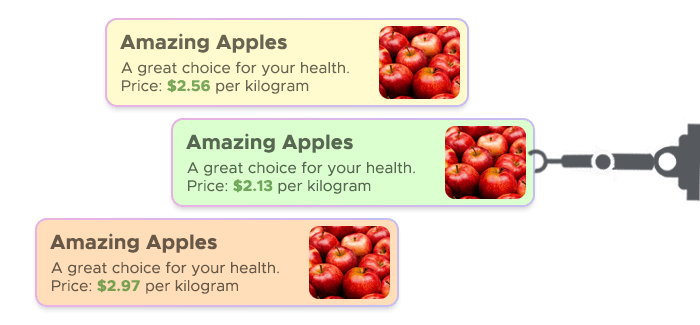
In e-commerce, timing and pricing are everything. Companies rely on web scraping to keep track of how competitors price their products across marketplaces, regions, and time periods.
Instead of manually checking dozens or hundreds of listings, scraping tools continuously collect pricing data, product availability, and promotional changes. This creates a real-time view of the market, allowing businesses to adjust their own pricing strategies dynamically.
Lead generation and market research
web scraping is also widely used to build datasets that support sales and marketing efforts. Publicly available information – such as company profiles, directories, or listings – can be transformed into structured lead databases.
What makes this approach powerful is scale. Instead of relying on small, manually curated lists, teams can gather thousands of relevant data points across industries or regions. This enables more targeted outreach and better segmentation.
SEO data collection and SERP tracking
Search engine optimization is another area where web scraping plays a central role. Search results are dynamic and constantly changing, which makes manual tracking both unreliable and inefficient.
Scraping allows teams to systematically collect data from search engine results pages (SERPs), including keyword rankings, featured snippets, and competitor visibility. This provides a consistent dataset that can be analyzed over time.
Real estate and financial data aggregation
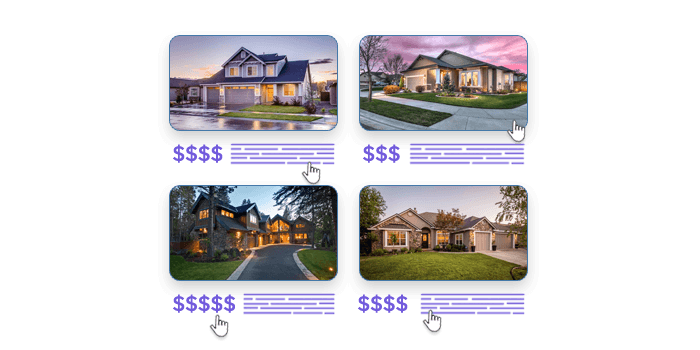
Some of the most data-intensive industries – such as real estate and finance – depend heavily on aggregation. Information is often scattered across multiple platforms, making it difficult to get a complete and up-to-date view without automation.
Web scraping helps bring this data together. In real estate, it can be used to collect property listings, pricing trends, and rental data across different regions. In finance, it supports the aggregation of market data, investment signals, or publicly available company information.
How Does Web Scraping Work Technically?
At a technical level, web scraping is built on a simple idea: programmatically request a webpage, read its structure, and extract the data you need. What makes it complex in practice is how different websites are built – and how they respond to automated traffic.
Sending HTTP requests and parsing HTML
Every scraping task starts with an HTTP request. The scraper sends a request to a URL, and the server responds with the page’s HTML – the same content your browser receives when loading a site.
That HTML contains all the elements of the page, organized in a tree-like structure. The scraper then parses this structure to locate specific data points, using identifiers like tags, classes, or attributes. Once found, the relevant content is extracted and converted into a structured format such as JSON or CSV.
Common web scraping tools and languages
Most web scraping setups rely on a small set of well-established tools. Python is the most widely used language, largely because of its simplicity and strong ecosystem.
Libraries like BeautifulSoup are commonly used for HTML parsing, while frameworks like Scrapy help manage larger, more complex scraping workflows. For cases where browser-like behavior is needed, JavaScript-based tools such as Node.js with headless browsers are often used.
JavaScript rendering and dynamic pages

Not all websites return complete data in their initial HTML response. Many modern sites load content dynamically using JavaScript, which means the data only appears after the page is rendered in a browser.
Basic scrapers may struggle in these cases, since the required data isn’t present in the raw HTML. To handle this, more advanced setups use headless browsers that simulate real user behavior and execute JavaScript before data extraction.
Common Challenges in Web Scraping
Even well-built scrapers run into resistance. Most high-traffic websites actively try to detect and limit automated access, which makes consistent data extraction harder at scale.
IP blocks, CAPTCHAs, and rate limiting
The most common obstacle is the IP block. When too many requests come from the same address, the site may flag the traffic as automated and deny further access.
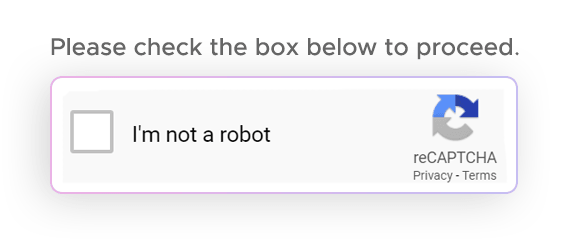
CAPTCHAs are another layer of defense. They’re designed to distinguish between humans and bots, interrupting the scraping process with challenges that require manual interaction.
Rate limiting works more quietly but just as effectively. It restricts how frequently requests can be made within a given timeframe, slowing down or temporarily blocking scrapers that exceed those limits.
How proxies solve scraping blocks
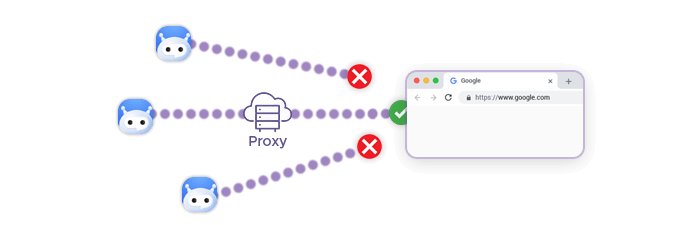
Proxies are the standard way to work around these restrictions. Instead of sending all requests from a single IP, traffic is distributed across a pool of addresses, making it appear more like normal user activity.
Residential proxies are particularly effective because they route requests through real user devices, which are less likely to be flagged. This reduces the chance of an IP ban and helps maintain access over longer scraping sessions.
In more advanced setups, proxies are combined with a scraper API that handles rotation, retries, and CAPTCHA bypass automatically. This removes much of the operational overhead and makes web scraping more stable and scalable.
Is Web Scraping Legal?
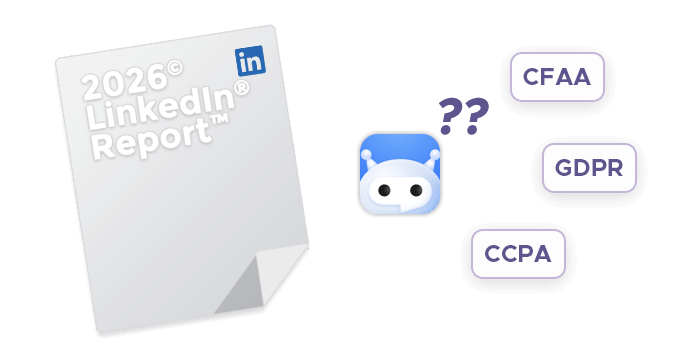
The short answer is: it depends. Web scraping itself isn’t inherently illegal, but how and what you scrape determines whether it’s compliant.
Publicly available data vs. protected data
In general, scraping publicly available data – content that can be accessed without logging in or bypassing restrictions – is more likely to be considered legal. This includes things like product listings, public directories, or search engine results.
Problems arise when scraping crosses into protected data. This includes content behind logins or paywalls, personal or sensitive information, or data restricted by a website’s terms of service.
Courts in some jurisdictions have drawn a line between public and restricted access, but interpretations vary. That’s why it’s important to evaluate both the source of the data and the rules governing its use.
Ethical scraping best practices
Legal doesn’t always mean responsible. Even when working with public data, following ethical practices helps avoid disruption and long-term risk.
A few principles go a long way: keep request rates reasonable, respect site guidelines such as robots.txt, and avoid collecting sensitive or personally identifiable information. It’s also important to use the data in a way that aligns with applicable regulations.
How to Start Web Scraping: Tools and Approach
Getting started with web scraping usually comes down to a choice: build your own setup or use a managed scraper API. Both approaches rely on the same fundamentals, but differ in how much infrastructure you handle yourself.
DIY scraper with Python (Requests + BeautifulSoup)
A common entry point is a simple Python-based scraper. The Requests library is used to send HTTP requests, while BeautifulSoup handles HTML parsing.
This setup is lightweight and flexible, making it ideal for small projects or learning the basics. You control exactly how data is extracted and structured.
The trade-off is maintenance. As soon as you scale, you’ll need to handle retries, changing page structures, IP blocks, and JavaScript-heavy sites. What starts as a simple script can quickly turn into a more complex system.
Using a Scraper API for faster, block-free collection
A scraper API abstracts most of that complexity. Instead of managing requests, residential proxies, and parsing logic yourself, you send a single API call and receive structured data in return.
Behind the scenes, these services handle scraping proxy rotation, CAPTCHA bypass, and JavaScript rendering. This makes them a practical choice for teams that need reliable web scraping without investing in infrastructure.
For production use cases – especially those involving scale or frequent data collection – a scraper API is usually the faster and more stable approach.
Frequently Asked Questions About Web Scraping
Web scraping is generally legal when collecting publicly available data. However, legality depends on how the data is accessed and used. Scraping restricted content, violating terms of service, or collecting sensitive data can lead to legal risks.
Web scraping is used to collect and analyze data at scale. Common web scraping use cases include price monitoring, lead generation, SEO tracking, and aggregating data for research, analytics, or competitive intelligence across industries.
Web scraping focuses on extracting specific data from webpages, while web crawling is about discovering and indexing URLs across the web. Crawlers map content, whereas scrapers retrieve structured information from selected pages.
Yes, websites can block web scrapers via an IP ban, CAPTCHAs, and rate limiting. These measures detect automated traffic and restrict access. Scraping proxies and scraper APIs are commonly used to reduce blocks and maintain reliable data collection.