Article content

Denis Kryukov
6 min read
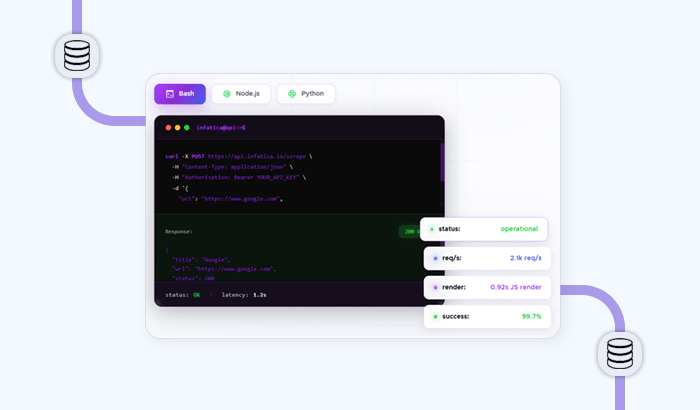
For many teams, getting reliable data from websites still means writing scripts, configuring proxies, handling JavaScript rendering, managing retries, and waiting on developers whenever a new data request appears. That creates a gap: e-commerce, SEO, marketing, and research teams often know exactly what data they need, but not how to build the scraping infrastructure required to get it.
Infatica Data Platform is built to close that gap. It gives teams a human-friendly interface for collecting web data at scale: paste a list of URLs, upload a file, or describe the data you need in natural language, then launch a run and review structured results in a dashboard. No code, no infrastructure setup, no proxy management.
What is Infatica Data Platform?
Infatica Data Platform is a managed batch data collection workspace for teams that need web data but do not want to maintain scraping software.
Instead of writing code, users start with the input they already have: a list of product URLs, a set of search queries, an uploaded file, or a natural-language request. From there, they choose how the data should be collected, configure the run in a simple interface, and review the results in a dashboard.
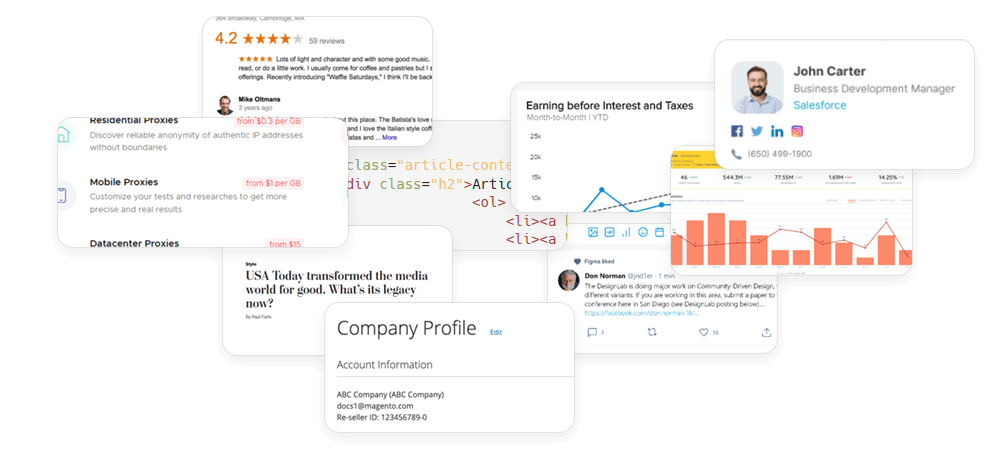
The platform supports several collection methods in one place:
- Scraper for collecting data from known URLs, such as product pages, category pages, competitor websites, blogs, or landing pages.
- SERP for collecting Google search results across keywords, countries, languages, devices, and result pages.
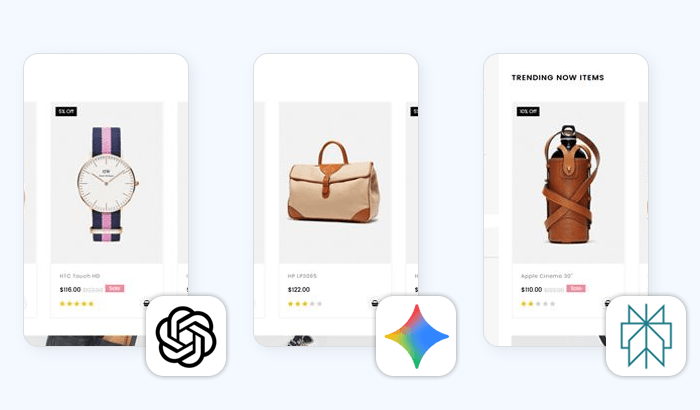
- AI Search for running batches of prompts through AI search engines and comparing how different systems respond.
- AI Extract for describing the data you need in natural language when you do not already have a fixed URL list.
How it works: from spreadsheet to structured results
An e-commerce team wants to track competitor prices across 2,000 SKUs every day. The team already has a spreadsheet with product URLs from several competitor websites, but the pages are not all simple static HTML. Some load prices dynamically, some show different content by country, and some need a browser-like session to return the right page.
Without a managed platform, this workflow would usually require developer time: building a scraper, connecting proxies, handling JavaScript rendering, retrying failed requests, and turning the raw output into a usable format.
With Infatica Data Platform, the workflow looks like this:
1. Upload or paste the product URLs. The team starts with its existing product list: no scraper brief, no developer handoff, no manual copy-pasting from page to page.
2. Choose the collection method. For example, Scraper is used when the team already knows which pages it wants to collect data from, such as competitor product pages, marketplace listings, or category pages.
3. Select the target country and device type. This helps the team collect the version of the page that matters for its market, whether prices or availability differ by location, desktop, or mobile view.
4. Enable JavaScript rendering for dynamic pages. If a competitor site loads prices, stock status, or product details dynamically, JavaScript rendering helps return the page as a real browser would see it.
5. Schedule the run daily. Instead of repeating the same task manually, the team can turn it into a recurring workflow and collect fresh competitor data every morning.
6. Review or export the results. When the run is complete, the team can review the results in the dashboard or download them as JSON or CSV for pricing reports, spreadsheets, or internal analytics tools.
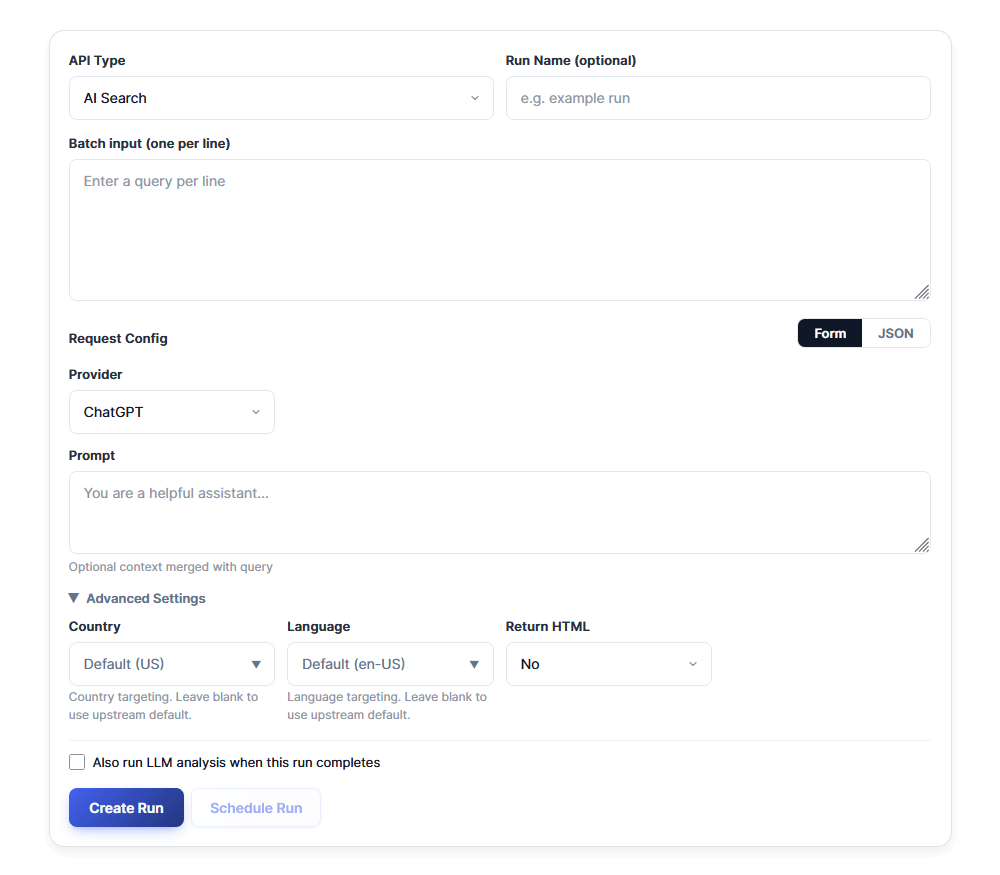
What makes Infatica Data Platform powerful?
No-code data collection tools can make scraping easier, but the interface is only one part. Teams still need reliable access, scalable batch processing, flexible collection methods, and enough control to get useful results. Infatica Data Platform is created around that full workflow:
Built on Infatica’s own proxy infrastructure
Infatica Data Platform is not a standalone interface layered on top of third-party access infrastructure. It runs on Infatica’s own ISO-certified proxy network, with 40M+ IPs across 195 countries and geolocations.
That matters because web data collection depends on more than sending a request to a page. Teams often need country-level targeting, stable sessions, retries, and request routing that can support large batches without constant manual fixes.
With Infatica Data Platform, those infrastructure components are built-in. Users can choose collection settings in the interface, while the platform handles the access layer in the background. For non-technical teams, that means they get the benefits of Infatica’s proxy network without having to configure proxies, manage IP rotation, or maintain scraping scripts themselves.
Batch workflows, not one-off prompts
Many tools are useful for asking a single question or testing one URL. Business data collection usually works differently.
An e-commerce team may need to check thousands of product pages every morning. An SEO team may need to track hundreds of keywords across countries and devices. A marketer may want to compare how AI search engines answer dozens of brand and category questions. These are batch workflows, not one-off requests.
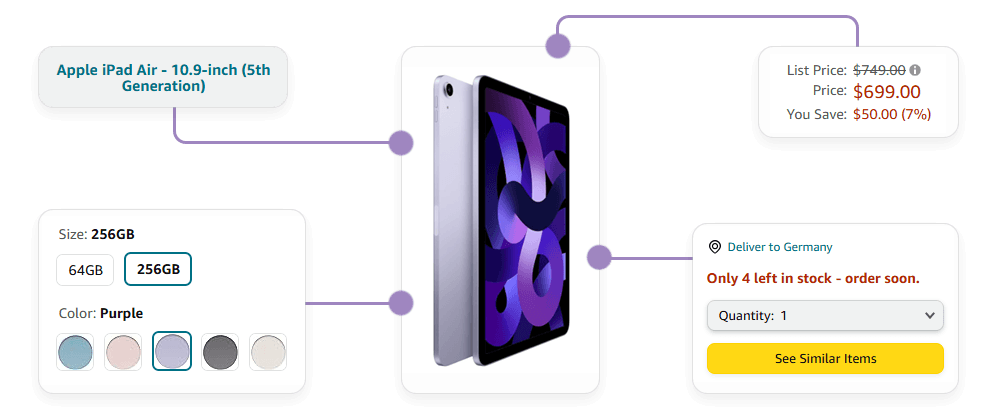
Infatica Data Platform is designed for that pattern. Users can paste or upload a list of URLs, keywords, or prompts, launch the run, and process many requests in parallel. Instead of repeating the same task manually, teams can turn recurring data needs into structured runs they can track, retry, review, and reuse.
This is especially useful when the input is already organized in a spreadsheet. A product URL list, keyword list, or prompt list can become the starting point for a data collection job, without asking a developer to turn it into a script first.
Workflows that teams can launch today
| Team | Starting input | Collection method | Example workflow | Result |
|---|---|---|---|---|
| E-commerce and retail | Product URLs or SKU lists | Scraper | Monitor competitor prices across product pages, marketplaces, or dynamic e-commerce sites. | Fresh pricing, availability, and product data for reports, dashboards, or pricing decisions. |
| SEO teams and agencies | Keyword lists | SERP | Track rankings across countries, languages, devices, result counts, and search result pages. | Raw SERP data for rank tracking, keyword research, and competitive analysis. |
| Marketers and brand teams | Brand, product, or category prompts | AI Search | Run the same questions across ChatGPT, Gemini, and Perplexity to compare how AI engines describe a brand or market. | AI search visibility data and side-by-side responses for brand monitoring. |
| Sales and growth teams | Natural-language lead criteria | AI Extract | Ask for companies in a specific niche, location, or market segment without preparing a fixed URL list. | Structured company or lead lists for outreach, enrichment, or further research. |
| Analysts and research teams | Market queries, competitor URLs, or research prompts | SERP, Scraper, or AI Extract | Identify top-ranking competitors, collect their landing pages, and extract key positioning or product information. | Market and competitor intelligence in a format ready for analysis. |
| Data and AI teams | Source URLs, query lists, or extraction prompts | Scraper, SERP, AI Search, or AI Extract | Collect public web data for research, enrichment, RAG workflows, or dataset preparation. | Structured outputs that reduce the need to maintain scraping infrastructure in-house. |
Start your first data collection run
Create an Infatica account, start a trial, and launch your first batch without setting up proxies, writing scraping scripts, or preparing infrastructure. No credit card is required to get started.
Try Infatica Data Platform
Frequently Asked Questions
Infatica Data Platform is a no-code workspace for collecting web data in batches. Users can upload URLs, keywords, or prompts, choose a collection method, launch a run, and review structured results in a dashboard.
It is built for teams that need reliable web data but do not want to build scraping infrastructure. That includes e-commerce, SEO, marketing, research, sales, growth, and data teams working with recurring data collection tasks.
No. Infatica Data Platform is designed for non-technical users. You can upload or paste your inputs, configure collection settings in a guided interface, and get results without writing scripts or managing proxies.
Infatica Data Platform supports several workflows: Scraper for known URLs, SERP for Google search results, AI Search for comparing AI engine responses, and AI Extract for collecting data from natural-language prompts.
Proxies provide the access layer, while Infatica Data Platform turns that infrastructure into a ready-to-use workflow. Users still benefit from Infatica’s proxy network, but they do not need to configure, rotate, or maintain proxies manually.
Yes. E-commerce teams can upload product URLs, enable JavaScript rendering for dynamic pages, choose target locations, and run recurring jobs to collect competitor prices, availability, and product data for analysis.
The platform returns structured results that teams can review in the dashboard or use in downstream workflows. Depending on the collection method, outputs may include formats such as JSON, HTML, Markdown, or CSV.
Create an Infatica account, start a trial, and launch your first run with a batch of URLs, keywords, or prompts. No credit card is required to get started.